Picks Confirmation
STEP 1 — CHECK THE PICKS RECEIVED PAGE
Verify Your Submission Online
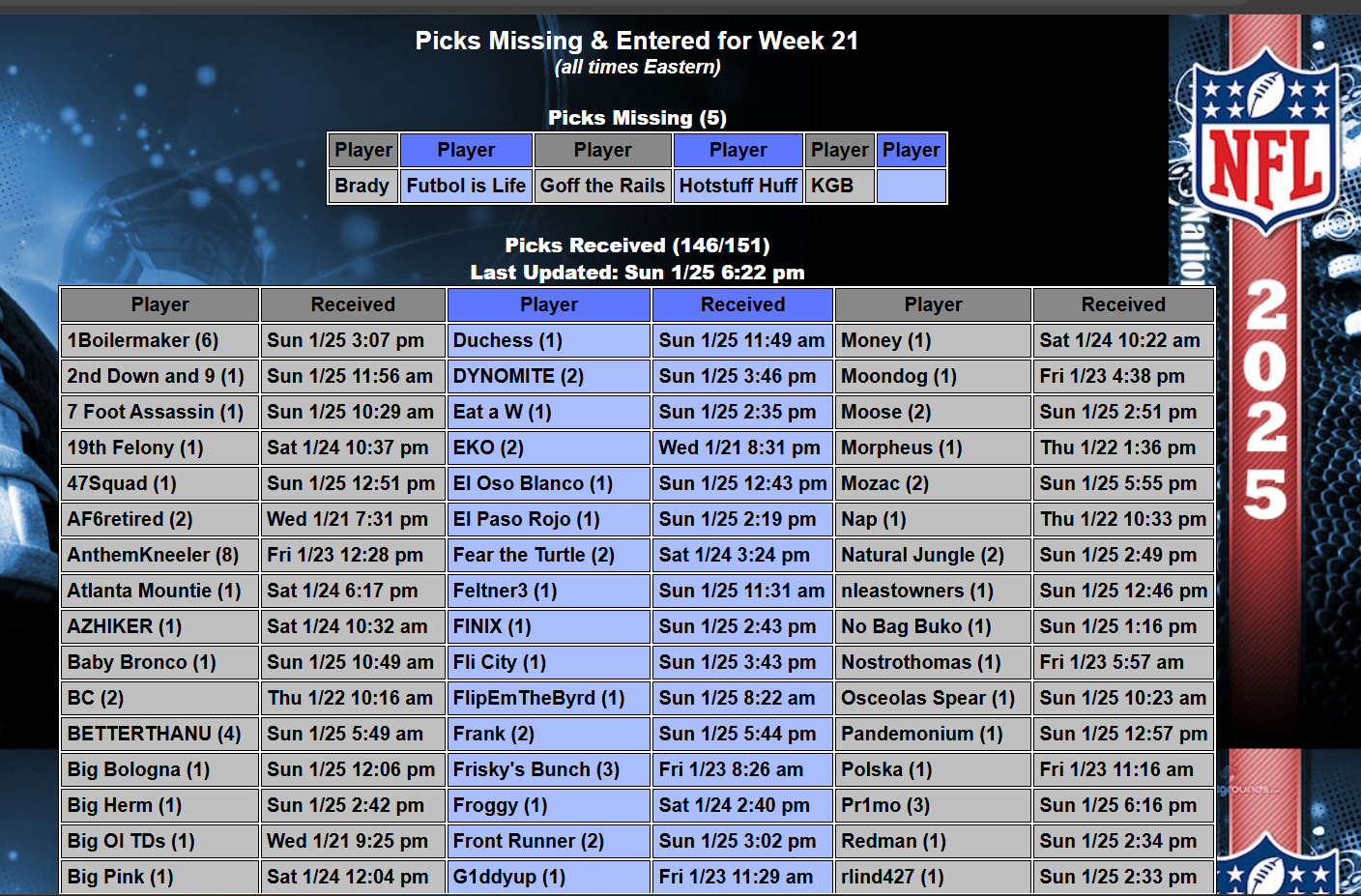
The fastest way to confirm your picks were received is by checking the official Picks Received page.
This page shows:
✔ Who submitted picks
✔ How many piksheets were submitted
✔ The last piksheet received
STEP 2 — LOAD YOUR LAST PIKSHEET
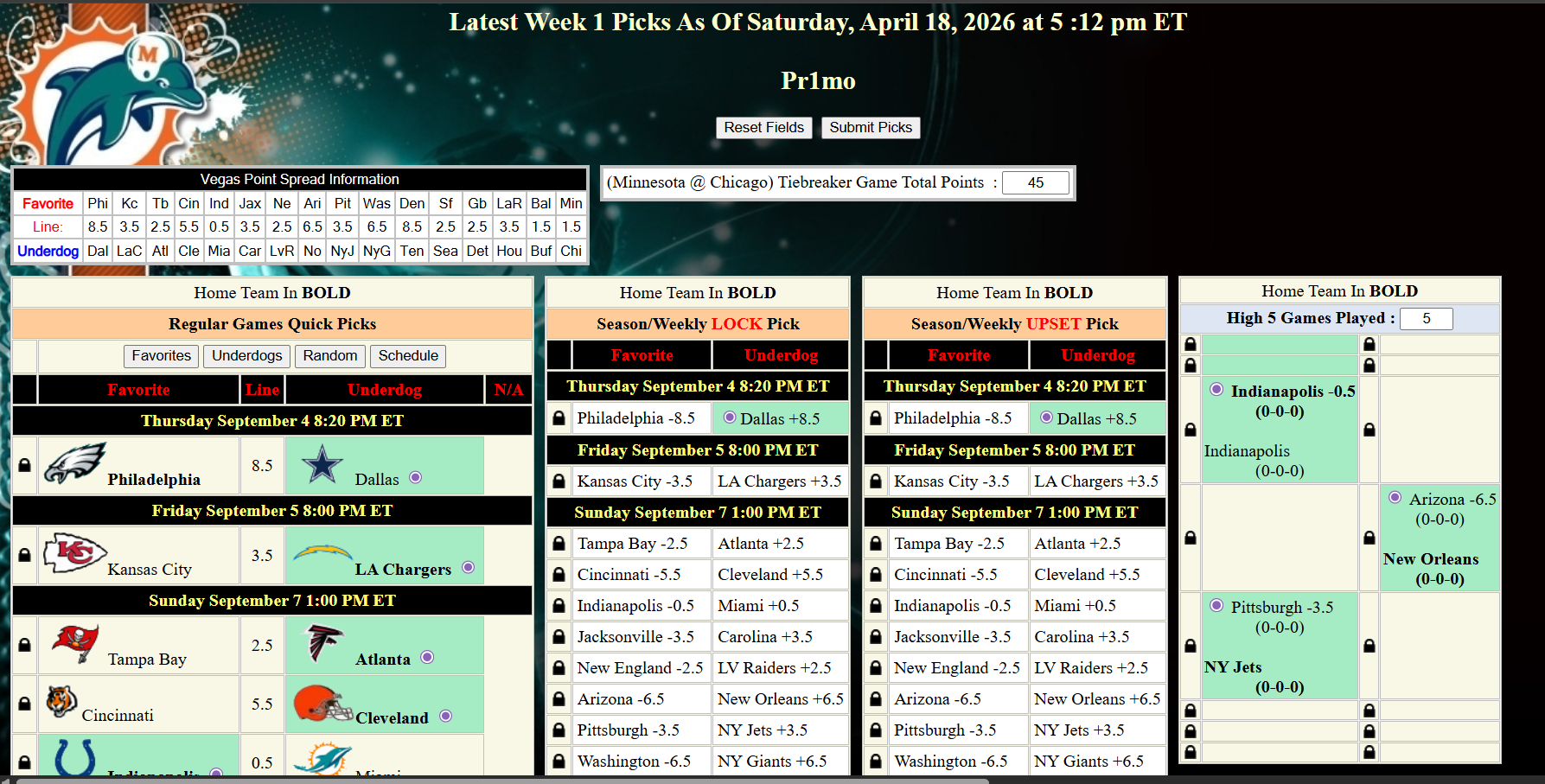
Load Your Submitted Picks
The second way to confirm your picks were received is directly through your piksheet.
Enter your:
✔ Name
✔ Password
Then click:
✔ Load My Piksheet
Your latest submitted piksheet will open and display all of your saved picks in green.
WHAT TO REMEMBER
The Best Habit in the PFL
The smartest PFL players always verify their picks before kickoff.
Use either:
✔ Picks Received Page
✔ Load My Piksheet
Both methods take less than a minute and make sure your week is locked in.
Submit. Confirm. Relax.
The worst feeling in the PFL is wondering if your picks went through. Make confirmation part of your weekly routine and never second-guess your submission again.